
Templates
Professional Real Estate Flyer Templates
Brand-locked, AI-powered listing flyers your agents create in 60 seconds. Paste a listing URL, generate copy, download a print-ready PDF.
From listing URL to print-ready flyer in 3 steps
Paste your listing URL
Drop in any listing URL from Zillow, Realtor.com, or your MLS. Address, price, photos, beds, baths, and sqft populate automatically.
AI writes the copy
One click generates a property description, headline, and key features. Edit if you want, or use it as-is.
Download your PDF
Your brokerage brand is applied automatically. Download a print-ready PDF or share a digital version. Done in 60 seconds.
Real estate flyer templates for every situation
Every template is brand-locked to your brokerage colors, fonts, and logo. Agents fill a form. The design is handled.
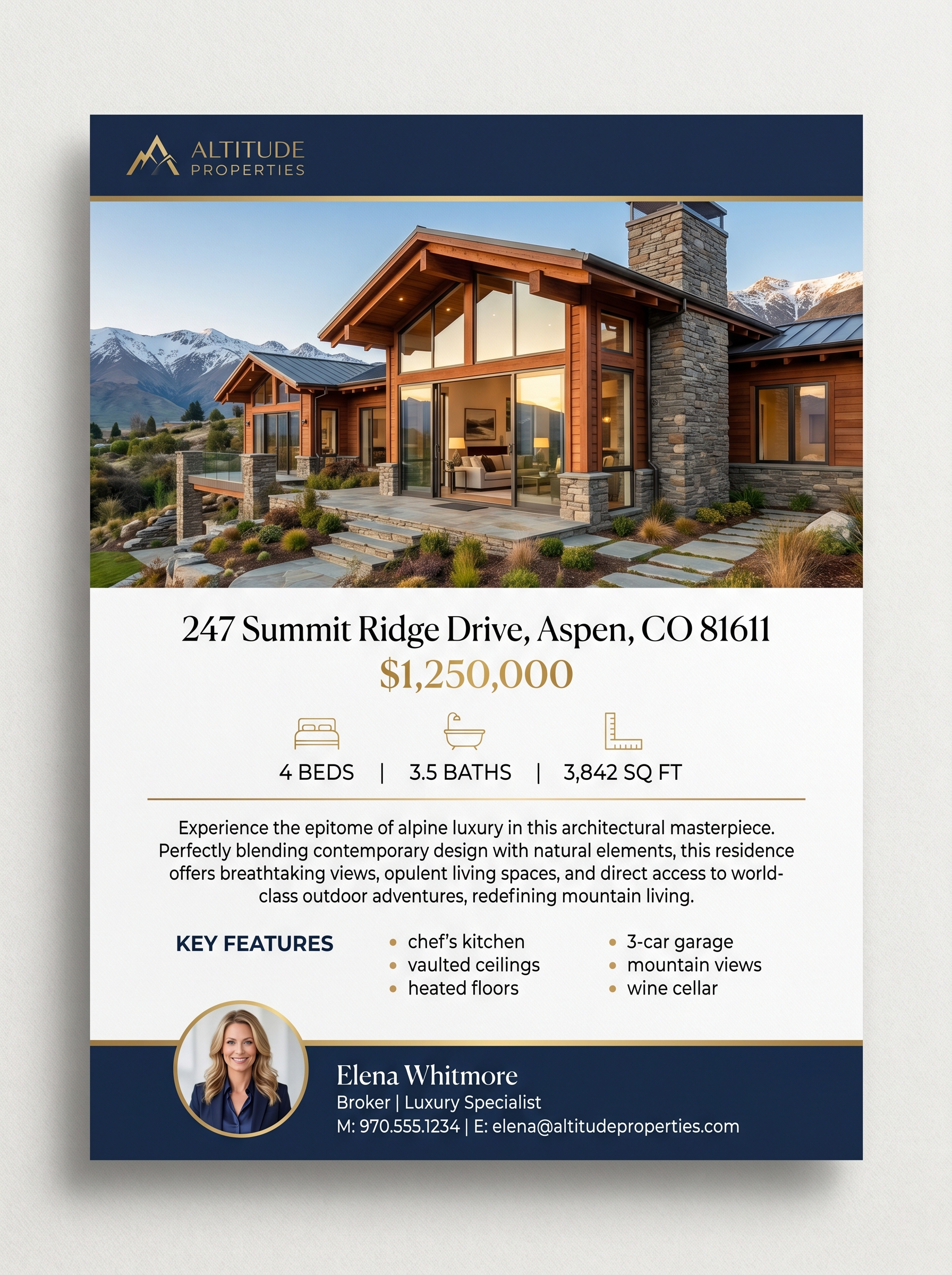
Feature Sheet
Single-page property highlight with photos, details, and agent branding. The workhorse of real estate marketing.
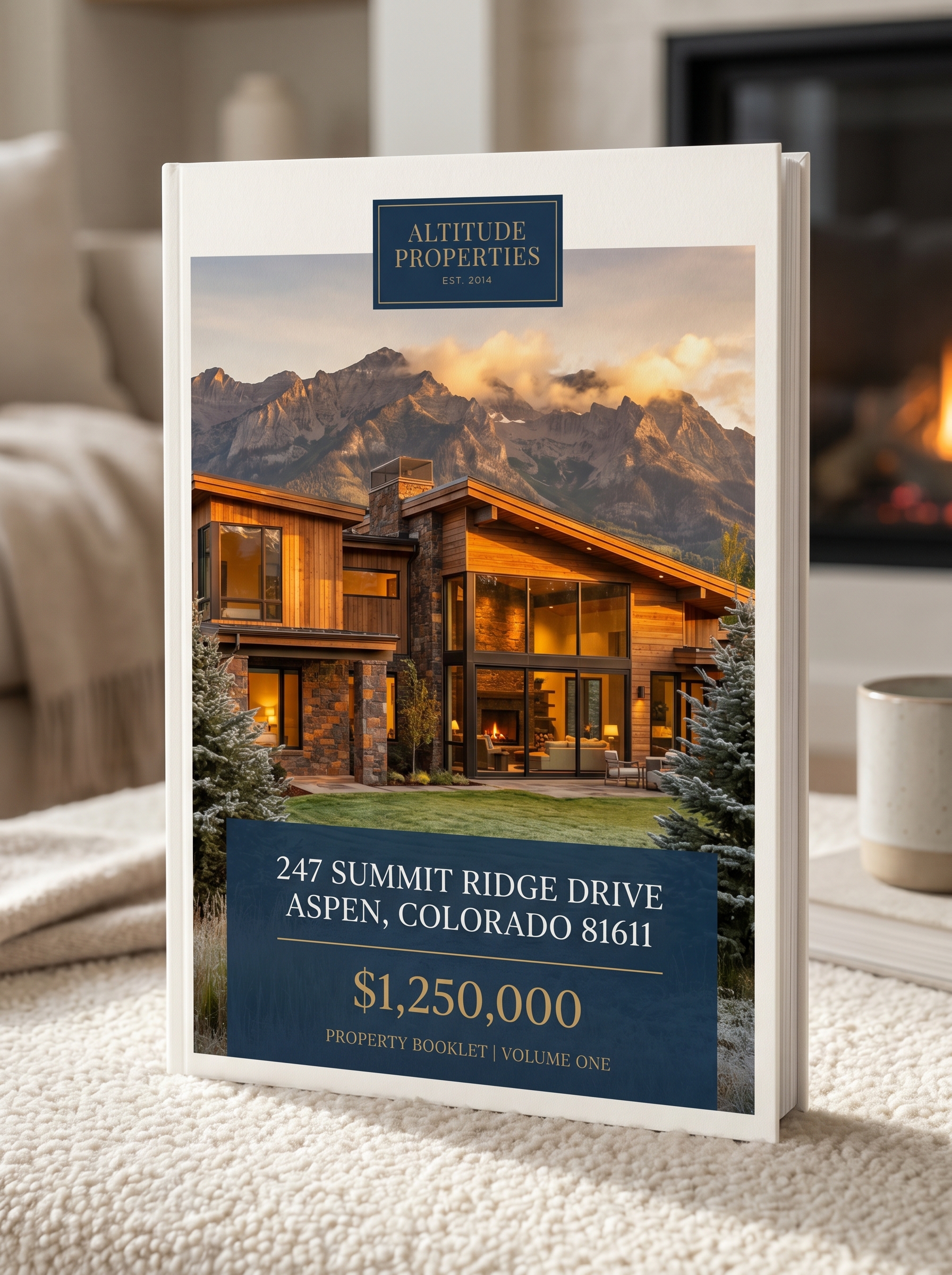
Listing Booklet
Multi-page property presentation with cover, details, photo gallery, and agent info.
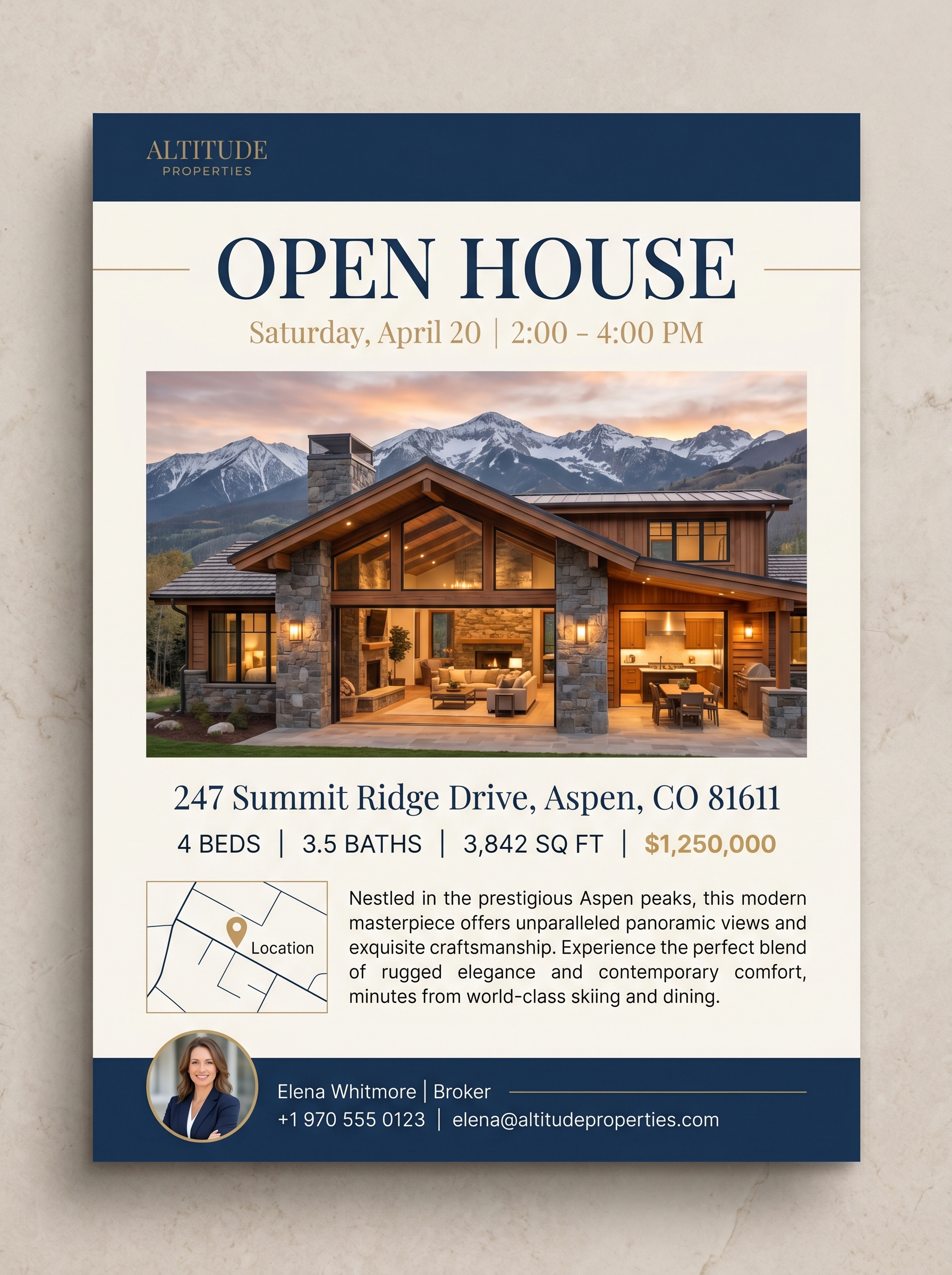
Open House Flyer
Event-focused flyer with date, time, address, and property highlights. Print or share digitally.
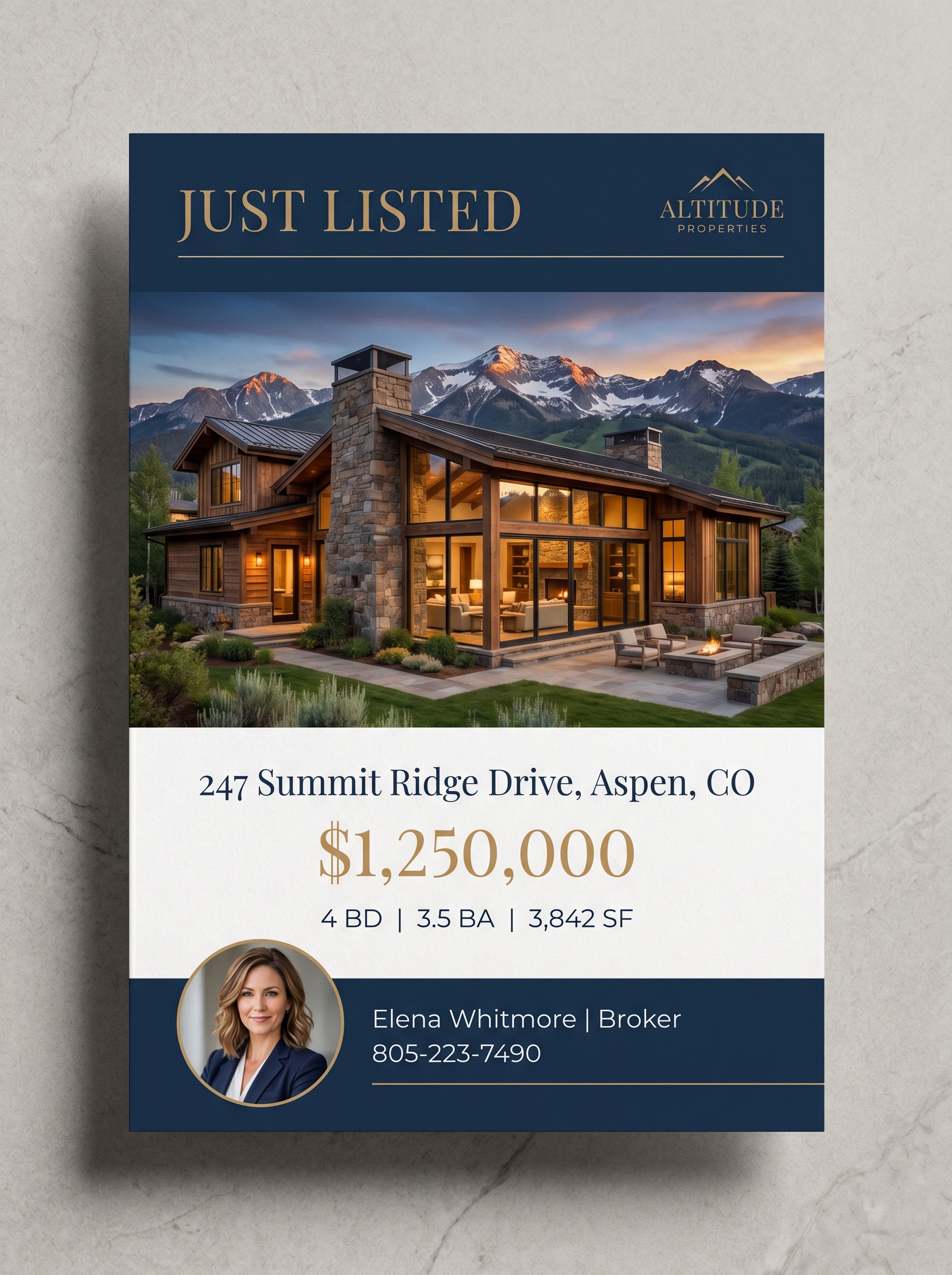
Postcard
Just Listed, Just Sold, and neighborhood farming postcards. Print-ready with auto-populated data.
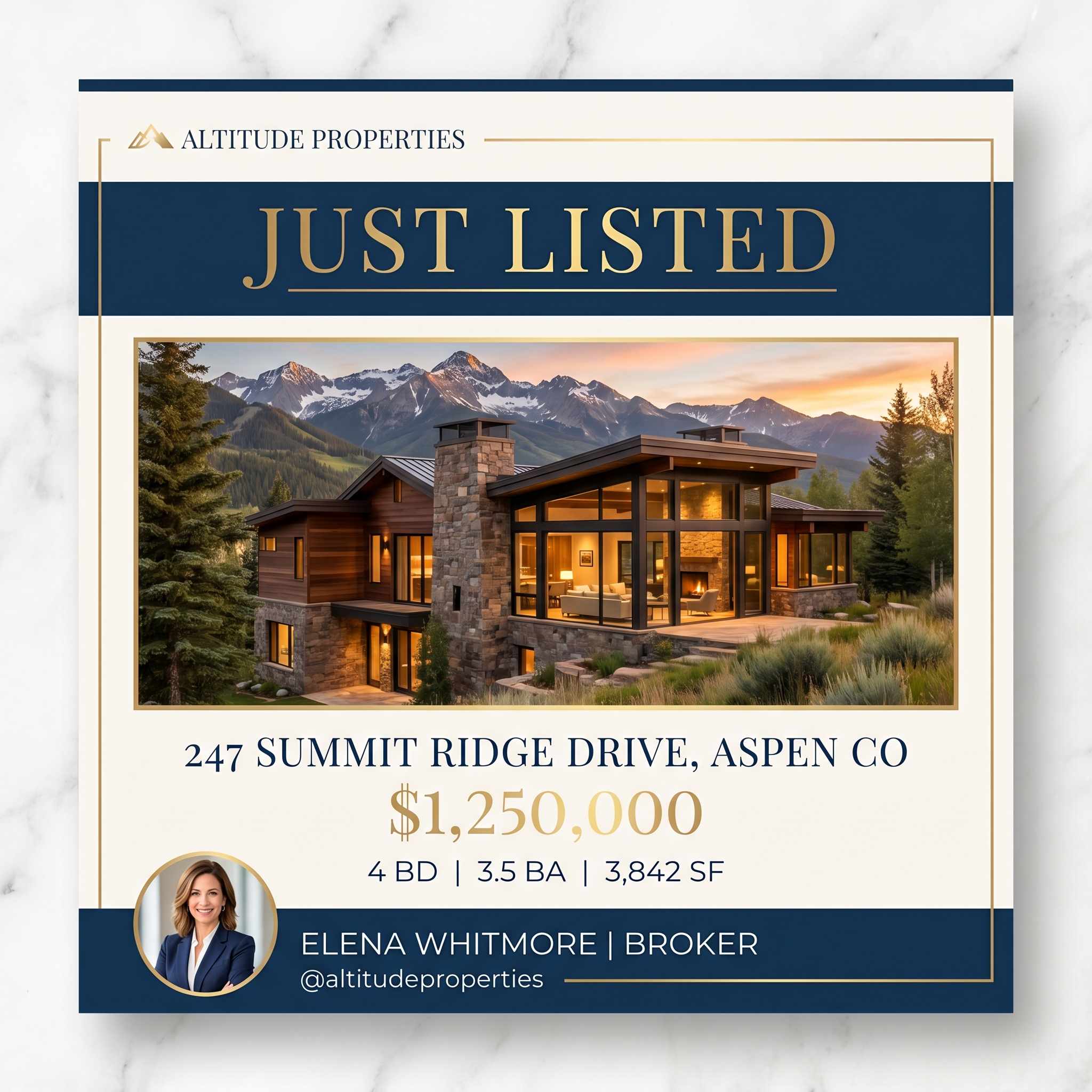
Social Media
Instagram, Facebook, and LinkedIn-sized graphics with listing data and your brokerage branding.
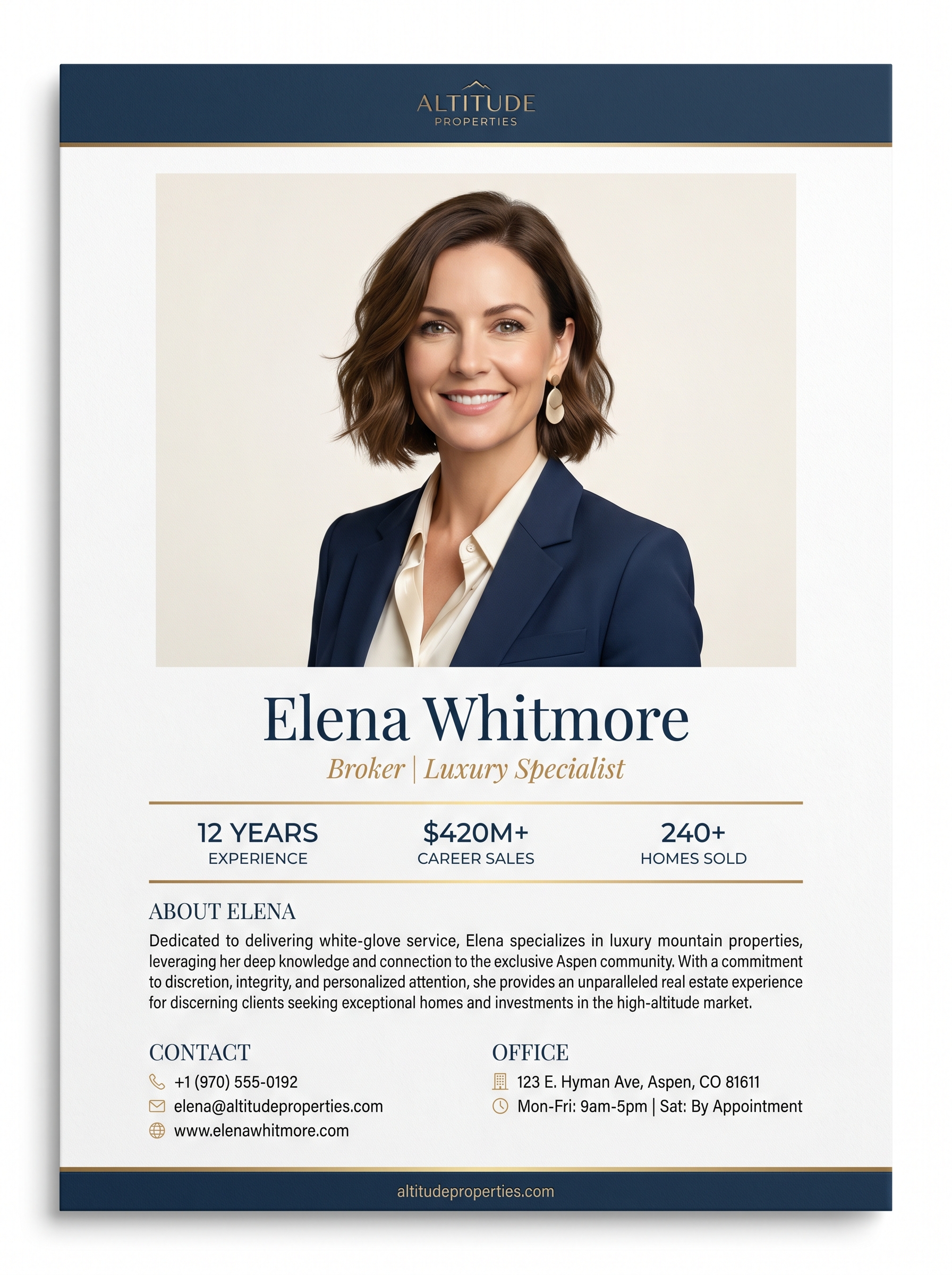
Agent Profile
Professional agent bio sheet with headshot, credentials, testimonials, and contact information.
Why agents choose AgentPress over Canva, Word, and PowerPoint
The old way
- Open Canva or Word. Browse templates for 10 minutes.
- Manually type the address, price, beds, baths, sqft.
- Write a property description from scratch.
- Drag photos around. Fight with alignment. 30 minutes later, export.
The AgentPress way
- Paste the listing URL. Data populates in seconds.
- Click “Generate Copy.” AI writes the description.
- Brand applied automatically. No design decisions.
- Download PDF. 60 seconds. Done.
Frequently asked questions
Are these real estate flyer templates really free to try?
Yes. You can try the live demo without signing up or entering a credit card. Paste any listing URL and see a professional flyer generated in seconds. Paid plans start at $99/mo for up to 15 agents.
Can I use these templates in Word or PowerPoint?
AgentPress templates are web-based and export as print-ready PDFs. Unlike Word or PowerPoint templates, there is no design editor to learn. Agents fill out a simple form and download a finished PDF. No formatting headaches, no broken layouts.
How do I make a real estate flyer without design skills?
With AgentPress, paste your listing URL. The system auto-imports photos, price, address, beds, baths, and square footage. AI generates the property description. Your brokerage brand (colors, fonts, logo) is applied automatically. Click download. The entire process takes about 60 seconds.
What makes these better than free real estate flyer templates?
Free templates from Canva, Word, or Google Docs require design decisions, manual data entry, and produce inconsistent results across your team. AgentPress templates are brand-locked, auto-populated from listing data, and produce identical quality whether your newest agent or your top producer creates them.
Can I customize the templates with my brokerage branding?
Your brokerage admin uploads your logo, sets your brand colors, and chooses your fonts once. Every template automatically uses your brand. Agents cannot change the branding, which means every flyer that leaves your office is on-brand.
Templates by Use Case
Real estate flyer templates by listing type
Different listings need different marketing. A luxury listing brochure looks nothing like a just-sold postcard. Pick the use case that matches what your agents are working on this week.
Luxury Listings
Print-ready luxury listing flyer and brochure templates that match the buyer expectation at $1M+. Brand-locked to your brokerage.
See Luxury Listings templates →New Construction
Spec-home flyers, community-launch postcards, and builder co-marketing brochures. Brand-locked to your brokerage and your builder partners.
See New Construction templates →First-Time Buyers
Friendly, educational listing flyers and buyer-guide booklets for first-time buyer leads. FHA and USDA framing built in.
See First-Time Buyers templates →Open House Promotion
Open-house flyers, just-listed postcards, and matching social graphics. Same listing, three formats, ready in under five minutes.
See Open House Promotion templates →Just Sold Postcards
Just-sold postcard templates for neighborhood farming. Auto-populated from the closed listing, brand-locked, ready to mail.
See Just Sold Postcards templates →Rural Land
Land, acreage, and vacant-lot flyers for the harder-to-photograph listings. Maps, lot lines, and use-cases built into the layout.
See Rural Land templates →Create your first flyer in 60 seconds
Try the live demo. Paste a listing URL and see a professional, brand-perfect flyer generated automatically. No signup required.
Cost Calculator
Add up what your agents pay for “free” flyer templates
Free templates still need designer time, custom edits, and brand cleanup. Plug in your numbers and see what flat-rate brokerage pricing actually saves.
Your numbers
Adjust these to match your brokerage. Calculations update live.
Industry average is 6-12 for active agents.
Flyer, social graphic, postcard, just-listed mailer, etc.
What an agent typically pays a designer or admin for one piece.
Estimated annual savings
$51,612
- Current agent design spend
- $54,000 / yr
- AgentPress cost
- $2,388 / yr
- Recommended plan
- Growing ($199/mo)